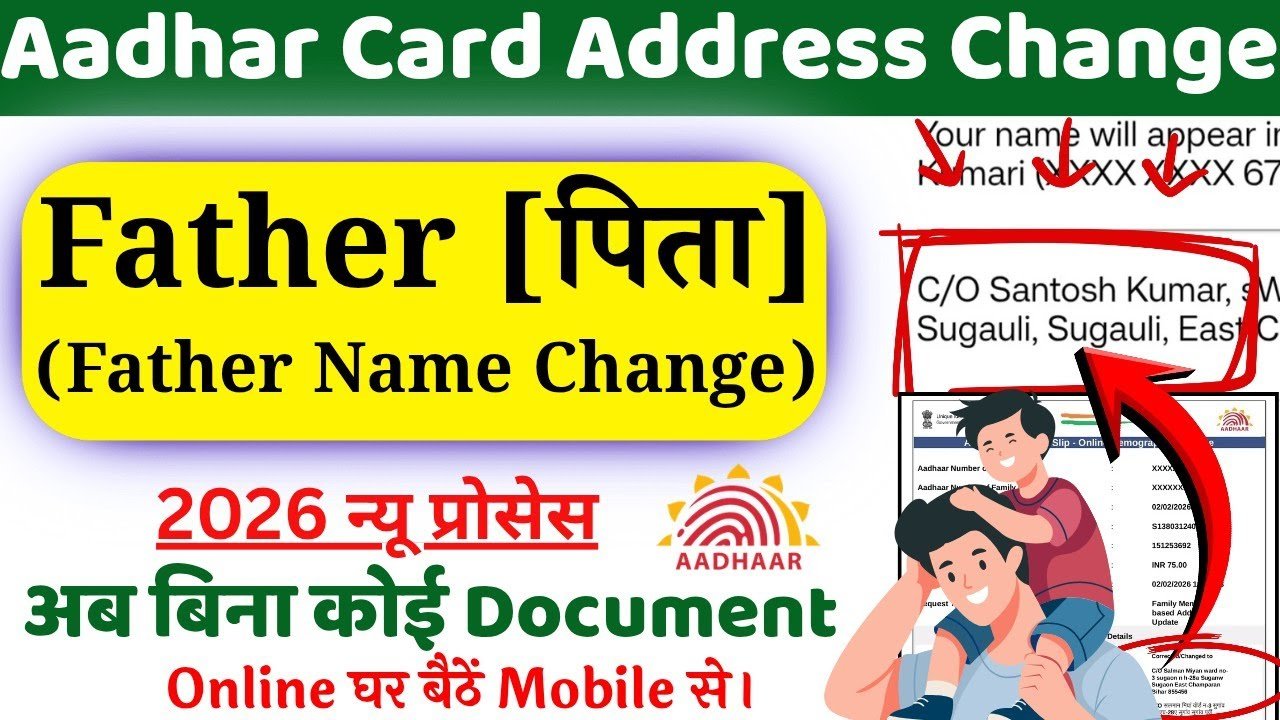
If your father’s name is incorrect on your Aadhaar card, it’s important to fix it as soon as possible. Aadhaar is one of the most important identity documents in India, issued by the Unique Identification Authority of India, and even a small mistake can cause problems in banking, government schemes, exams, and job applications.
In this Google Discover-friendly guide, you’ll learn the complete step-by-step process to correct your father’s name in Aadhaar, both online and offline, along with required documents, fees, and important tips.
Why Correct Father’s Name in Aadhaar is Important
Incorrect details in Aadhaar can lead to:
- Rejection of government scheme benefits
- Issues in bank KYC verification
- Problems in passport or PAN card application
- Mismatch in official documents
That’s why updating your father’s name is crucial to avoid future complications.
Documents Required for Father’s Name Correction
To update your father’s name, you need valid supporting documents. Some commonly accepted documents include:
| Document Type | Examples |
|---|---|
| Proof of Identity (POI) | PAN Card, Passport |
| Proof of Address (POA) | Electricity Bill, Bank Statement |
| Proof of Relationship (POR) | Birth Certificate, Passport |
👉 Make sure the document clearly shows your correct father’s name.
How to Correct Father’s Name in Aadhaar (Online Method)
You can update your Aadhaar details online through the official UIDAI portal.
Step-by-Step Process:
- Visit the official UIDAI website
- Click on “My Aadhaar” → “Update Your Aadhaar”
- Login using your Aadhaar number and OTP
- Select “Name Correction” option
- Enter the correct father’s name
- Upload supporting documents
- Review and submit the request
- Pay the update fee (₹50 approx.)
- Note down the Update Request Number (URN)
👉 You can track your update status using the URN.
How to Update Father’s Name in Aadhaar (Offline Method)
If you are unable to update online, you can visit an Aadhaar Seva Kendra.
Steps:
- Visit nearest Aadhaar Enrollment/Update Center
- Fill the Aadhaar Update Form
- Provide correct father’s name
- Submit supporting documents
- Give biometric verification
- Pay ₹50 fee
- Collect acknowledgment slip with URN
How Long Does Aadhaar Update Take?
- Typically takes 5 to 10 working days
- In some cases, it may take up to 30 days
How to Check Aadhaar Update Status
You can check status easily:
- Visit UIDAI website
- Click on “Check Update Status”
- Enter URN number
Important Tips Before Updating
- Ensure spelling is correct (no short forms)
- Use documents with matching details
- Double-check before submission
- Keep mobile number linked with Aadhaar
Can You Change Father’s Name Completely?
Yes, but:
- It must match valid legal documents
- Major changes may require stronger proof like birth certificate
Final Words
Correcting your father’s name in Aadhaar is a simple but essential process. Whether you choose the online method or visit an Aadhaar center, make sure your documents are valid and details are accurate.
Keeping your Aadhaar updated ensures smooth access to government services, banking, and official work without any hassle.